One UI 9 Beta for Galaxy S26: Everything You Need to Know
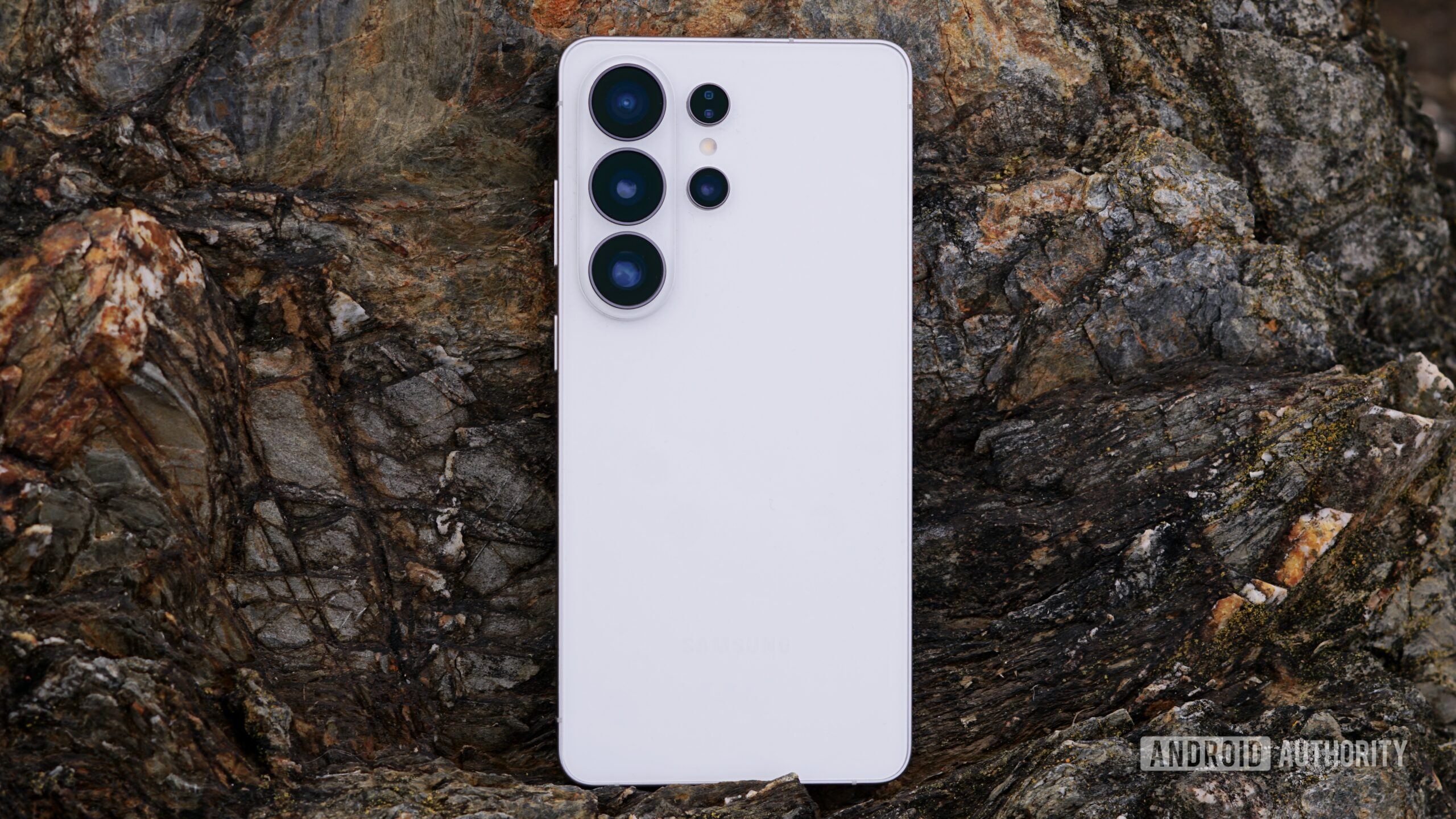
Samsung has officially kicked off the One UI 9 beta program for the Galaxy S26 series, just days after rolling out the stable version of One UI 8.5. This unexpected move signals the company's commitment to rapid software innovation. The beta will bring a host of improvements to core features like Quick Settings, the Notes app, and Contact Cards. Available initially in select regions, the update promises a refined user experience. Below, we answer your most pressing questions about this exciting new beta.
What is the One UI 9 beta and why is it significant?
The One UI 9 beta is a pre-release version of Samsung's next major software update for the Galaxy S26 series. It allows users to test new features and provide feedback before the official public release. What makes this announcement surprising is its timing: Samsung only just started rolling out the stable One UI 8.5 globally yesterday. Launching another beta so quickly shows Samsung is doubling down on iterative improvements. The beta program will focus on enhancements to system utilities like Quick Settings for faster toggles, a revamped Notes app with better organization, and updated Contact Cards for richer interaction.
When and where will the One UI 9 beta be available?
Samsung has stated that the One UI 9 beta will be released this week. Initially, it will be available in six countries: South Korea, Germany, India, Poland, the United Kingdom, and the United States. This limited rollout is typical for beta programs, allowing Samsung to gather feedback from diverse markets before expanding. Users in these regions who own a Galaxy S26, S26+, or S26 Ultra can enroll through the Samsung Members app. Samsung has not yet announced a timeline for additional regions or devices outside the S26 series.
What specific improvements does One UI 9 beta bring?
According to Samsung, the One UI 9 beta focuses on three key areas. First, Quick Settings get a design overhaul, making it easier to access frequently used toggles and customize your control panel. Second, the Notes app receives new organizational tools, such as improved folder structures and enhanced search. Third, Contact Cards are updated to display richer information, including recent interactions and shared media, at a glance. Additional under-the-hood optimizations promise smoother animations and better battery management. A full changelog will be available once the beta goes live.
How does One UI 9 beta compare to the just-released One UI 8.5?
One UI 8.5 was a minor iterative update focusing on stability and bug fixes, while One UI 9 represents a more substantial feature upgrade. Think of One UI 8.5 as a bridge — it refined the Android 14 experience, whereas One UI 9 is built on top of the upcoming Android 15 base. The beta for One UI 9 introduces new visual elements and app changes that were not present in the 8.5 release. Users who skipped One UI 8.5 can still jump directly into the One UI 9 beta; however, Samsung encourages installing the latest stable version first to ensure a clean upgrade path.
How can I join the One UI 9 beta program?
To join, you must own a Galaxy S26 series device (S26, S26+, or S26 Ultra) and reside in one of the eligible countries. Open the Samsung Members app on your phone, look for the One UI 9 beta banner or notice under the “Notices” section, and tap “Enroll.” After enrollment, you will receive the beta update over-the-air (OTA) as a software update. Make sure your device is charged above 30% and connected to Wi-Fi. Note: Beta software may have bugs, so it’s best to back up your data before installing. Enrollment is limited to a certain number of participants, so act quickly.
What should I expect from the beta experience?
As a beta tester, you’ll get early access to new features, but you may also encounter instability, app crashes, or battery drain. Samsung will release periodic updates to fix issues based on user feedback. You can report bugs directly through the Samsung Members app. The beta typically runs for several weeks before the stable version is released. If you decide the beta isn't for you, you can revert to the stable One UI 8.5 — but this will wipe your device data, so only downgrade if you are prepared to factory reset. Overall, this is an exciting opportunity to shape the final version of One UI 9.
Related Articles
- Understanding the Surge in Indiana Gas Prices: A Comprehensive Guide
- The Fermi Paradox and the Great Filter: Why We Haven't Found Alien Life Yet
- Europe's Copernicus Radar Constellation Complete: Sentinel-1D Now Operational
- How NASA's Curiosity Rover Dislodged a Stubborn Rock from Its Drill Arm: A Step-by-Step Guide
- The Orion Flywheel: Keeping Artemis Astronauts Fit on the Journey to the Moon
- Physicists Crack 40-Year Mystery of Universal Growth in Two Dimensions
- Earthworms’ Unexpected Resistance to Microplastics: Implications for the Food Chain
- Exodus Alert: 1 in 7 Teachers Won't Return in Fall – Here's Why