7 Hidden Fire TV Stick Mistakes That Are Slowly Ruining Your Device
Your Fire TV Stick might seem like a simple plug-and-play device, but behind its unassuming design lies a sensitive piece of technology. Many users unknowingly make small errors that gradually degrade performance, shorten lifespan, or even cause permanent damage. From overheating to software neglect, these missteps can turn a stellar streaming experience into a frustrating mess. In this guide, we uncover seven common blunders that could be sabotaging your Fire TV Stick—and more importantly, how to avoid them. Whether you're a new user or a seasoned streamer, these tips will help you keep your device running smoothly for years.
1. Using a Low-Quality Power Adapter
One of the most overlooked yet damaging mistakes is powering your Fire TV Stick with a cheap or mismatched adapter. The device requires a steady 5V/1A (or higher for newer models) to function optimally. Using an adapter from an old phone or a generic brand can deliver inconsistent voltage, leading to frequent reboots, sluggish performance, or even permanent damage to the internal circuitry. Always use the original charger that came in the box or a certified replacement with the same specs. Amazon’s official power recommendations are a good reference.
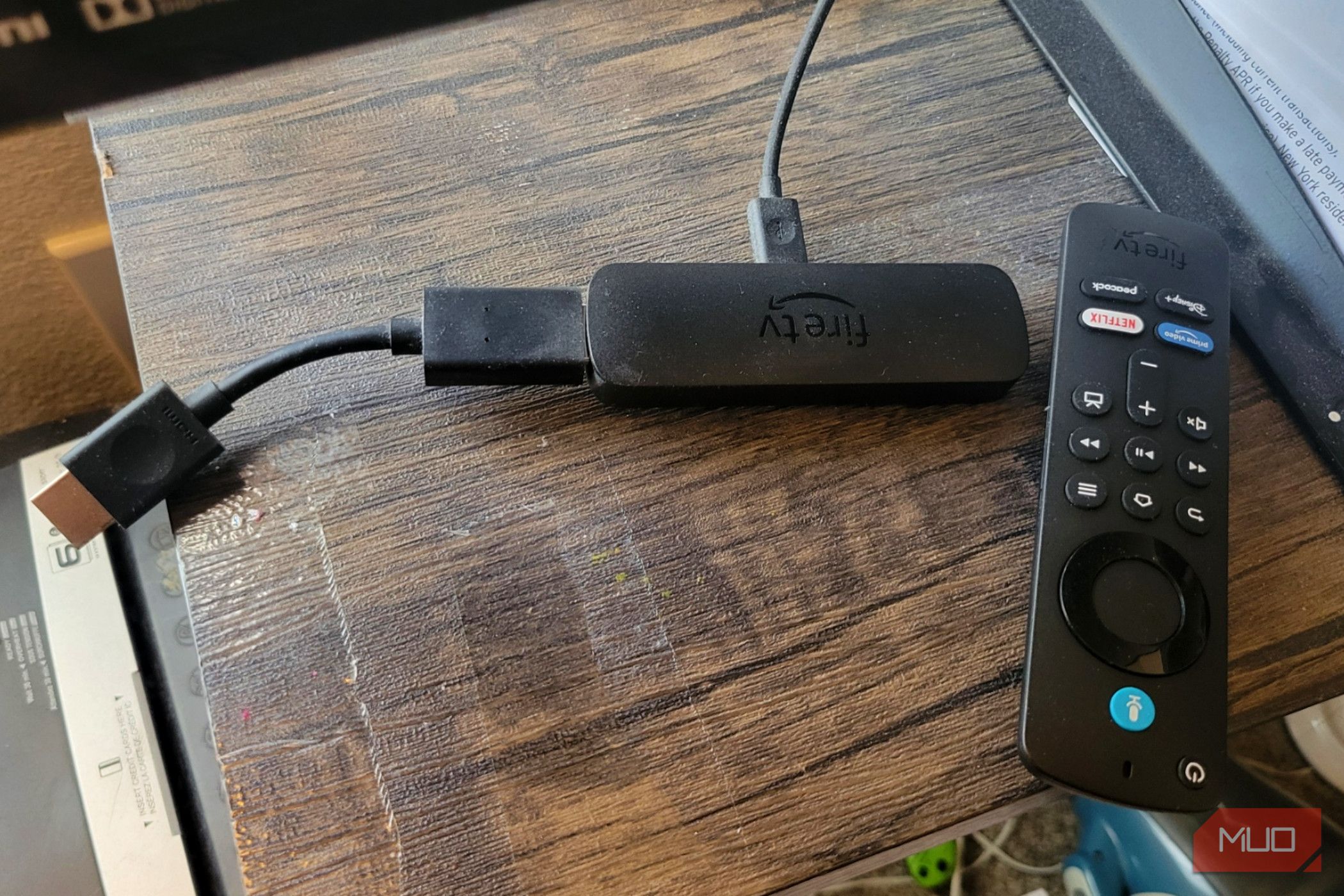
2. Blocking the Ventilation and Overheating
The Fire TV Stick generates heat during use, especially when streaming 4K content for hours. Many people tuck the dongle behind a TV or inside a cabinet where airflow is restricted. Overheating can cause the device to throttle performance, stutter, or even shut down to protect itself. Over time, excessive heat degrades the internal components. Always plug the Fire TV Stick into a location with at least a few inches of clearance around it. If you use an HDMI extender, make sure it doesn't trap heat. Avoid placing it near other hot electronics like a modem or gaming console.
3. Ignoring System Updates
Software updates are not just about new features—they often include critical security patches and performance fixes. Skipping updates can leave your Fire TV Stick vulnerable to bugs that cause crashes, lag, or even expose your data. Worse, an outdated system may become incompatible with newer streaming apps over time. Enable automatic updates in Settings > My Fire TV > About > Check for Updates. If you've been dismissing the notification, take a moment to install the latest firmware. Your device will thank you with smoother streaming and fewer errors.
4. Installing Too Many Apps and Not Clearing Cache
It's tempting to download every streaming service, game, and utility app, but each one takes up storage space and runs background processes. The Fire TV Stick has limited memory, especially older models with only 8GB. When storage is nearly full, the device slows down, apps crash, and navigation becomes sluggish. Worse, cached data accumulates over time. Go to Settings > Applications > Manage Installed Applications, select an app, and choose 'Clear cache' regularly. Uninstall apps you rarely use. Aim to keep at least 1GB of free space for optimal performance.
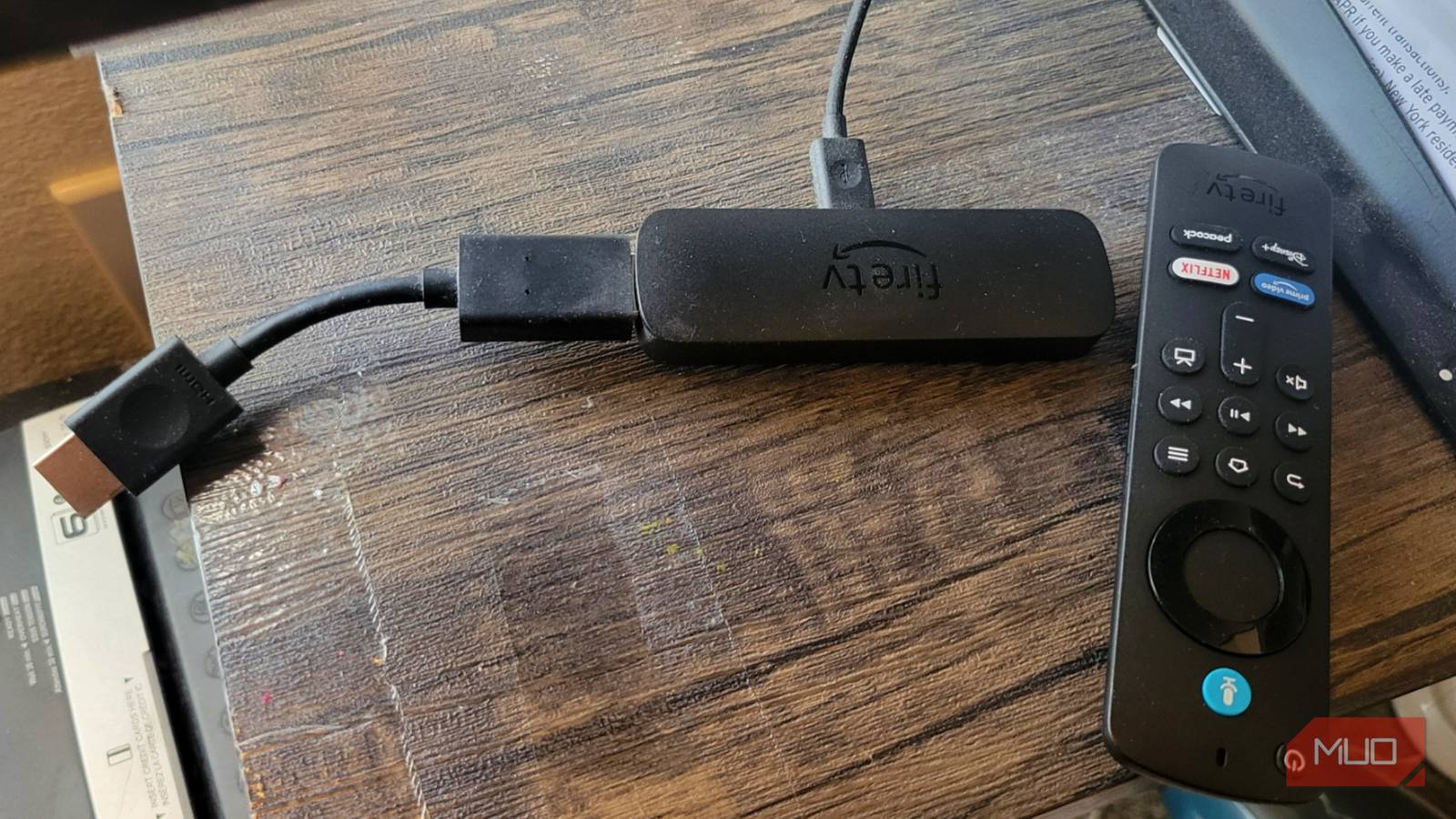
5. Using a Faulty or Long HDMI Extension Cable
While an HDMI extender can help position the Fire TV Stick for better reception, using a cheap or excessively long cable introduces signal degradation and power loss. Some extenders don't carry enough voltage, causing the stick to run in a low-power state. Symptoms include frequent disconnects, audio dropouts, or a black screen. Stick to the short extender included with your device or buy a high-quality, well-shielded cable no longer than 6 inches. Avoid daisy-chaining multiple extenders. Test with the direct plug first to isolate any cable issues.
6. Leaving the Fire TV Stick Plugged In 24/7
It's convenient to leave the Fire TV Stick always powered, but doing so exposes it to constant electricity and heat cycles. Even when idle, the device runs a low-power state that generates some heat. Over months and years, this can weaken the capacitors and other components. While it's not a fire hazard, it does shorten the overall lifespan. Unplug the Fire TV Stick when you're away on vacation or won't be using it for a long period. Alternatively, plug it into a smart power strip that cuts power when the TV turns off.
7. Not Managing Background Processes and Auto-Start Apps
Many apps on Fire TV automatically launch when the device starts or continue running in the background. This consumes CPU cycles and memory, slowing your system and depleting the already limited resources. For example, sideloaded apps or games often leave processes active. To check, go to Settings > Applications > Manage Installed Applications and force-stop apps you don't need right now. You can also disable auto-start permissions for sideloaded apps via ADB commands if you're comfortable. A leaner background reduces heat and keeps your Fire TV Stick snappy.
By steering clear of these seven common mistakes, you can dramatically extend the life and performance of your Fire TV Stick. Small habits—like using the right power adapter, clearing cache, and ensuring proper ventilation—make a big difference. Treat your streaming stick as the delicate electronics it is, and it will reward you with countless hours of uninterrupted entertainment.
Related Articles
- Mastering USB-C: A Complete Guide to Choosing the Right Cable
- 5 Ways System Tools Can Evolve from Chores to Experiences
- Transforming System Utility Tools: A Human-Centered Design Guide
- How to Transform Mundane System Tools into Desirable Experiences
- RingCentral's AI-First Evolution: From UCaaS to Intelligent Engagement
- How to Analyze the OnePlus-Realme Merger and Its Implications for the Smartphone Market
- Understanding the Phantom Pulse RAT Campaign via Malicious Obsidian Plugins: A Step-by-Step Analysis
- Amazon Drops Fire TV Brand in Surprise Rebranding, Launches 'Amazon TV' Lineup