Pixel Watch Health Sensor Glitch: What You Need to Know
Recent updates to Fitbit software on Google’s Pixel Watch lineup have caused unexpected malfunctions in key health sensors. SpO2 (blood oxygen) and skin temperature tracking have reportedly stopped working for some users, just as Google launched a new wearable, the Fitbit Air. This Q&A breaks down the issue, its scope, and what Google is doing about it.
What exactly happened to the health sensors?
After a recent Fitbit update, several Pixel Watch owners discovered that their SpO2 (blood oxygen saturation) and skin temperature tracking features were no longer operational. The problem emerged when the update reset the app permissions required for these sensors to function. Users saw no way to re‑enable the permissions because the settings page indicated that no app was requesting them. The issue was first reported on Reddit’s r/PixelWatch community.
Which Pixel Watch models are affected by this bug?
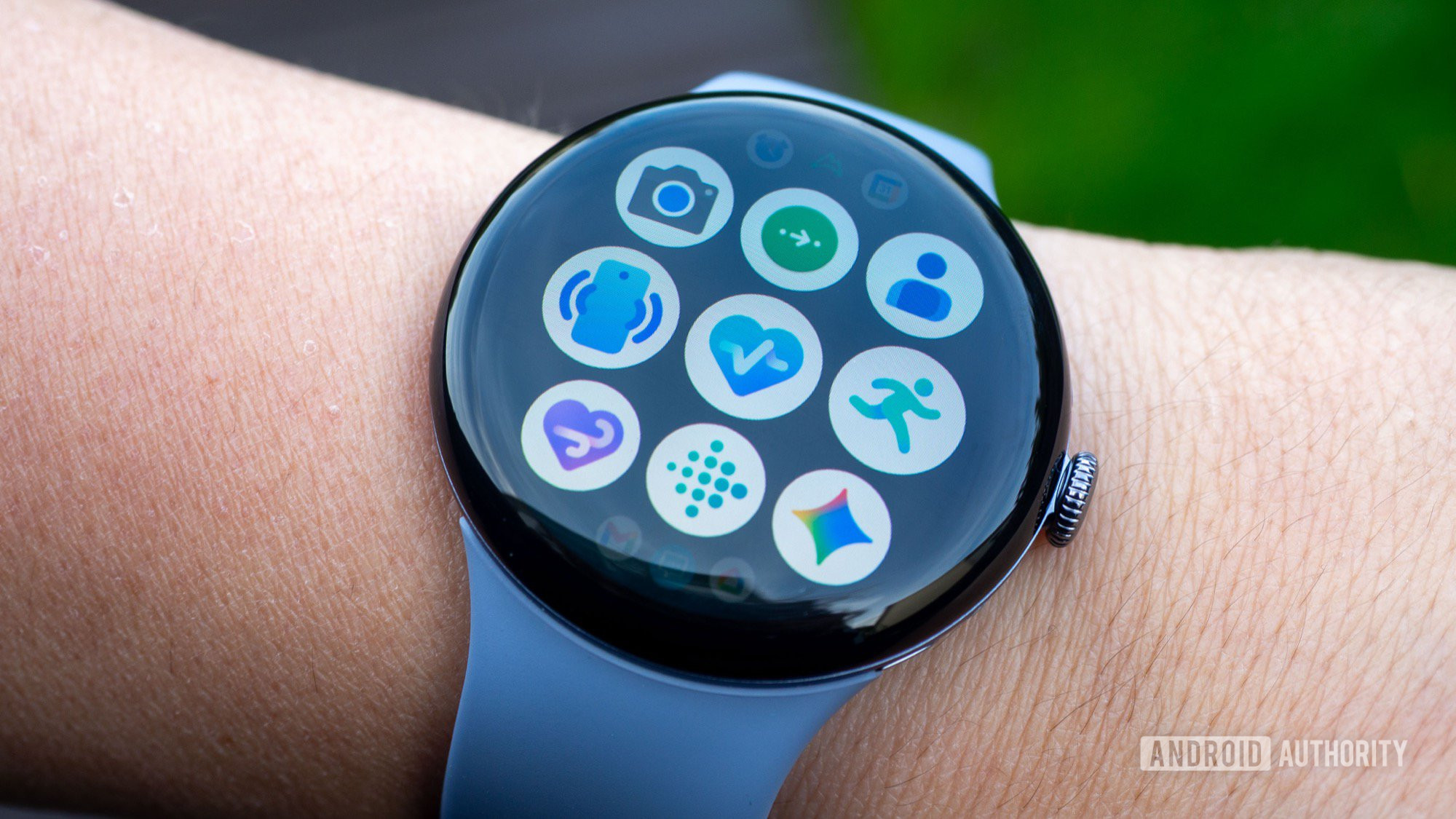
According to user reports, both the Pixel Watch 3 and the newer Pixel Watch 4 are experiencing the sensor failure. The original Pixel Watch and Pixel Watch 2 may not be immune, but no widespread complaints have surfaced yet. Google has not confirmed the full list of affected devices, so owners of any model should check their sensor functionality after a recent Fitbit app update.
Which specific health tracking features are broken?
The two features that have stopped working are SpO2 monitoring (which measures blood oxygen levels, often used during sleep or at high altitudes) and skin temperature tracking (which detects changes in skin temperature, helpful for menstrual cycle tracking and overall health trends). Both rely on specific app permissions that the Fitbit update inadvertently reset.
How has Google responded to the sensor breakdown?
Both Google and Fitbit have publicly acknowledged the permission reset issue. In a statement, they confirmed that work is underway to restore access to the affected sensors. However, as of now, no timeline for a fix has been provided. The companies advise affected users to wait for an upcoming Fitbit app update rather than attempting any manual workaround.
What caused the permission reset on Pixel Watches?
The likely cause is a glitch in the latest Fitbit app update. When the update was installed, it mistakenly revoked the permissions that the Pixel Watch health sensor apps need to request data from the device’s hardware. Because the system now shows “no app requesting permissions,” users cannot manually grant them. The bug appears to be server‑side or tied to the update itself rather than a hardware fault.
Is there any workaround for the broken sensors?
At present, there is no reliable workaround. Trying to reset the watch, reinstall the Fitbit app, or toggle permissions repeatedly has not resolved the issue for most users. Google recommends waiting for a patch. Unpairing and re‑pairing the watch might help in isolated cases, but this is not officially supported and could cause data loss. The best course is to watch for Fitbit app updates in the coming days.
Why is this especially awkward for Google right now?
The timing of the sensor glitch is particularly unfortunate because Google just launched the Fitbit Air, a sleek screenless fitness tracker that is meant to broaden its wearable ecosystem and attract new users to its revamped health platform. Having existing Pixel Watch owners lose key health tracking functions undermines confidence in the platform just as Google tries to expand its audience.
How can Pixel Watch users avoid similar problems in the future?
While no permanent solution exists, a few proactive steps can help. After each Fitbit app update, check that sensor permissions are still intact under Settings > Apps > Permissions. Ensure your Pixel Watch is running the latest Wear OS and Fitbit firmware. More broadly, monitor official channels for known issues before updating immediately. Backing up health data regularly also prevents loss if a future update resets permissions.
Related Articles
- ClawRunr: The Open-Source Java AI Agent for Automated Task Execution – Q&A
- Mastering IR Device Control Without the Cloud: A Practical Q&A
- 10 Ways Southwest Airlines Leverages AI and Automation to Master Endpoint Operations
- Navigating China's AI Dismissal Ruling: A Step-by-Step Guide for Employers
- 10 Revolutionary Insights into Ouster's World-First Native Color Lidar
- Context Over Patterns: How SnortML and Agentic AI Are Redefining Intrusion Detection
- Why I Switched from Raspberry Pi to $5 ESP32 for Smart Home Automation
- 10 Steps to Successfully Integrate Your Tapo L530 Bulb with Home Assistant